New

Synheart's infrastructure is live. On-device inference is free, forever.

Synheart

SYNHEART DEVELOPERS

One ecosystem, from signal to state.

Synheart’s developer ecosystem is one open standard, a set of native SDKs, and the tooling around them — everything you need to read structured human state in your product. Install one SDK, add the pieces your product needs, and skip the ones it doesn’t.

Person using a laptop against a warm orange background

WHAT WE BELIEVE

Simplifying the stack.

Everything in the ecosystem exists to do one job: turn raw signal into a structured read on human state your app can act on. Signals come in from a wearable, a digital device, or both. SDKs normalize and process them on the device. Your app reads one consistent output HSI no matter where the signal came from.

  • Signals (Body + Digital Devices)Collect signals from wearables and digital devices.
  • Core SDKNormalize every signal into one consistent stream.
  • Core RuntimeProcess signals and infer human state on-device.
  • HSI OutputStructured, versioned human-state output.
  • Your AppBuild features using real-time human state.

OUR PRINCIPLES

Our Principles

Small figure standing in a curved, glowing space
  1. The standard — HSI

    An open, versioned format for human-state data: a score, a confidence value, and the moment it applies to. Everything below produces or consumes it.

  2. Signal SDKs — Synheart Wear, Synheart Behavior

    Read raw signals and normalize them: Wear covers wearables (heart rate, HRV, activity), Behavior covers interaction patterns from digital devices — timing, rhythm, and pattern, never content.

  3. The integration point — Core SDK

    The single SDK most teams install first. Connects a signal source, runs on-device inference, and delivers structured HSI your app reads directly.

  4. Built on state — Syni LLM, SWIP

    Syni LLM is a state-aware language model that shapes its responses to how someone is actually doing. SWIP is a repeatable score for the impact your product has on the people using it.

  5. Trust & operations — Synheart Auth, Platform, CLI

    Auth signs every request with hardware-backed device identity. Platform is the console for keys, usage, and billing. The CLI is where most integrations start.

Every layer is modular. A focus-only product on Core SDK alone is a normal, supported setup so is a wearable only product on Synheart Wear standalone.

DEVELOPER PLATFORM

The platform developers build on.

The HSI stack. Each layer is open and composable, from raw signal to a portable human-state contract that any system can read.

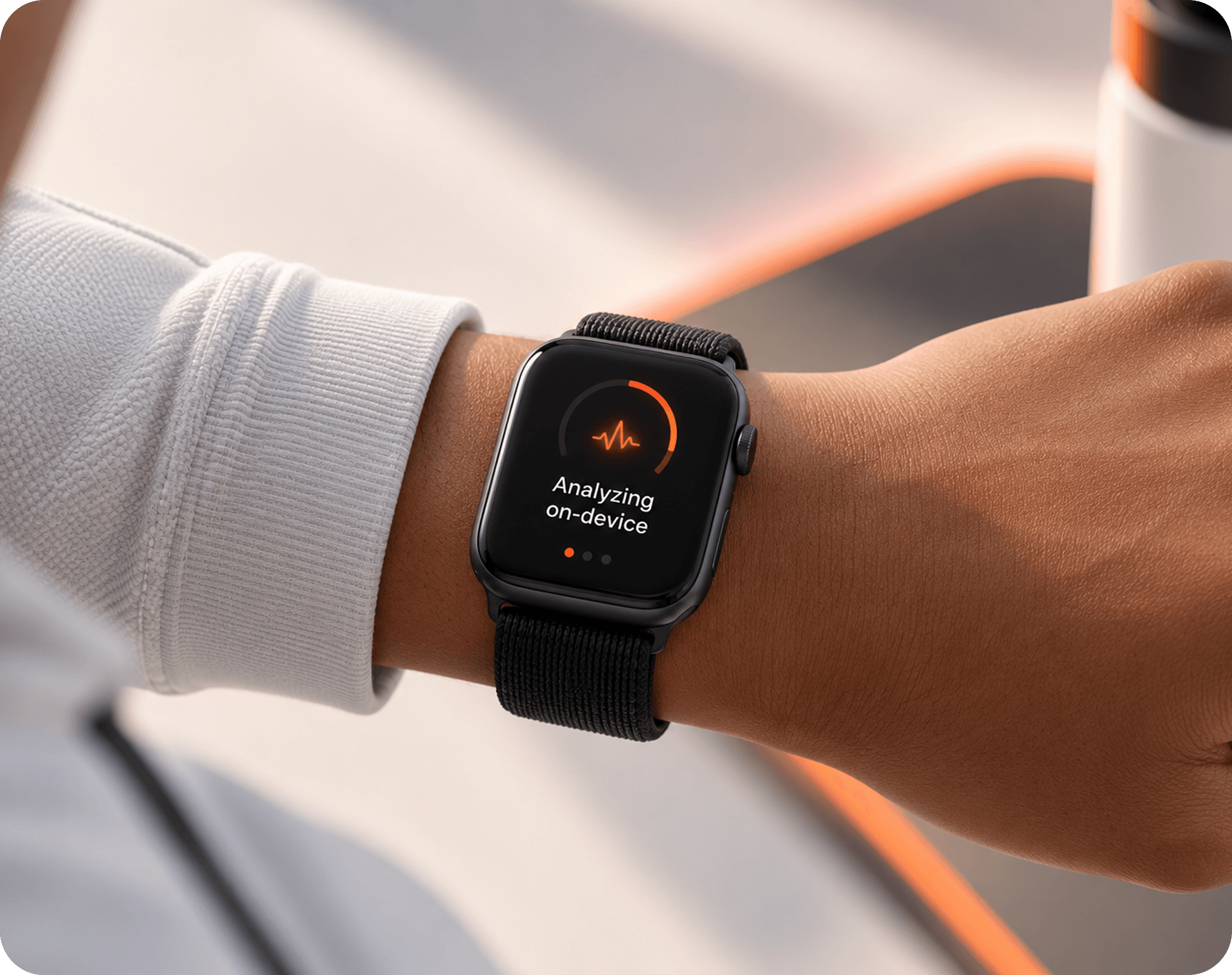
  • Smartwatch on a wrist analysing on-device

    The Portable Contract For Human State.

    Synheart HSI

    A lightweight model running entirely on-device classifies physiological stress states from wrist-based signals with 74.5% accuracy, comparable to chest-based methods while preserving full user privacy. Validated on the WESAD dataset.

    Open Source
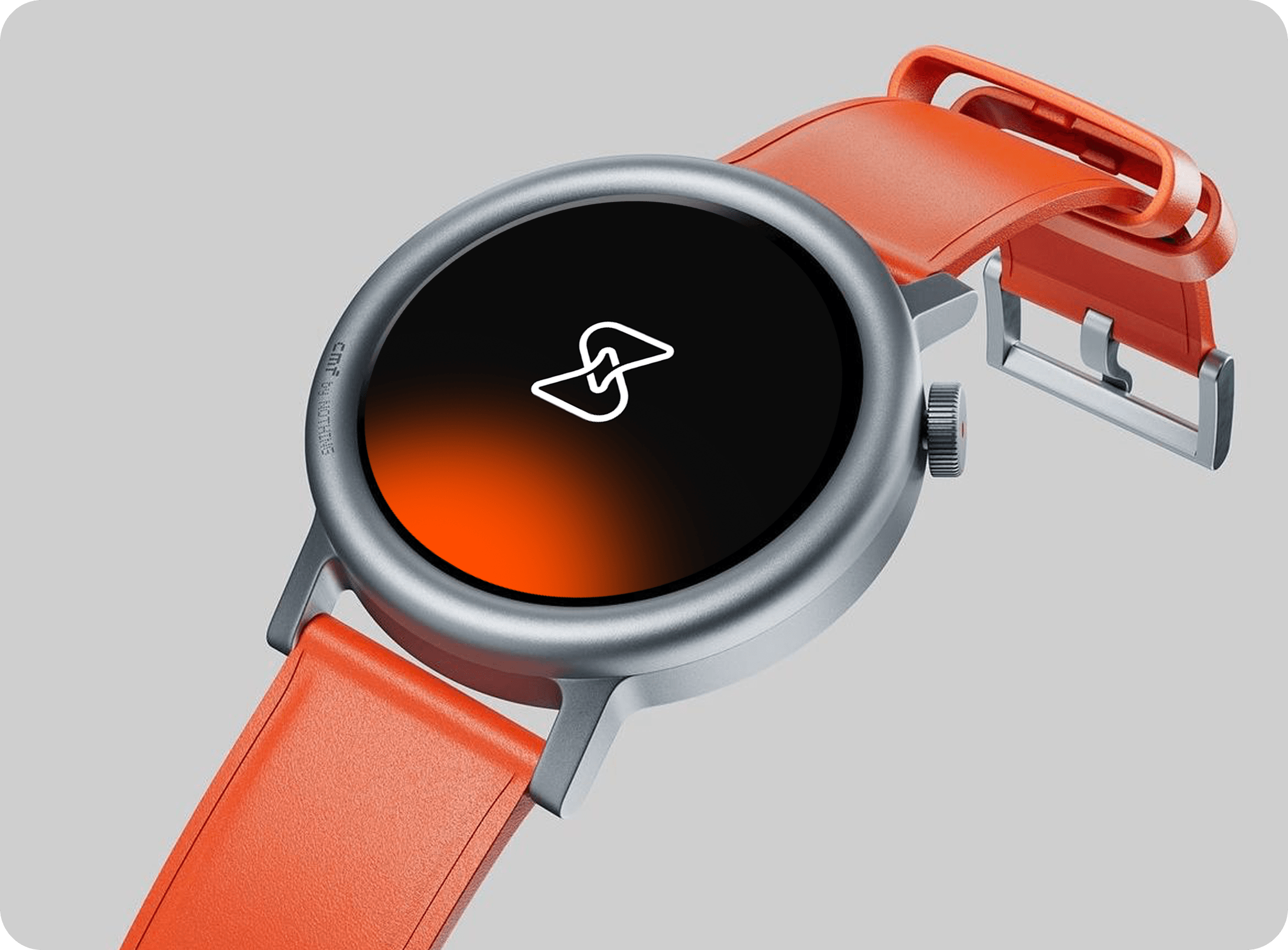
  • Round smartwatch with an orange strap

    Connect Any Wearable. Stream Biosignals.

    Synheart Wear

    The sensing layer. Connects WHOOP, Garmin, Apple Watch, Fitbit, and Pixel Watch, and standardizes HR, HRV, EDA, and motion into one real-time stream. Local preprocessing and a developer CLI included.

    Open Source
  • Man holding up a keyboard

    Read How People Interact, Never What They Write.

    Synheart Behavior

    Converts interaction dynamics such as timing, rhythm, and fragmentation into structured behavioral metrics. Content-free and identity-free, fully on-device.

    Open Source
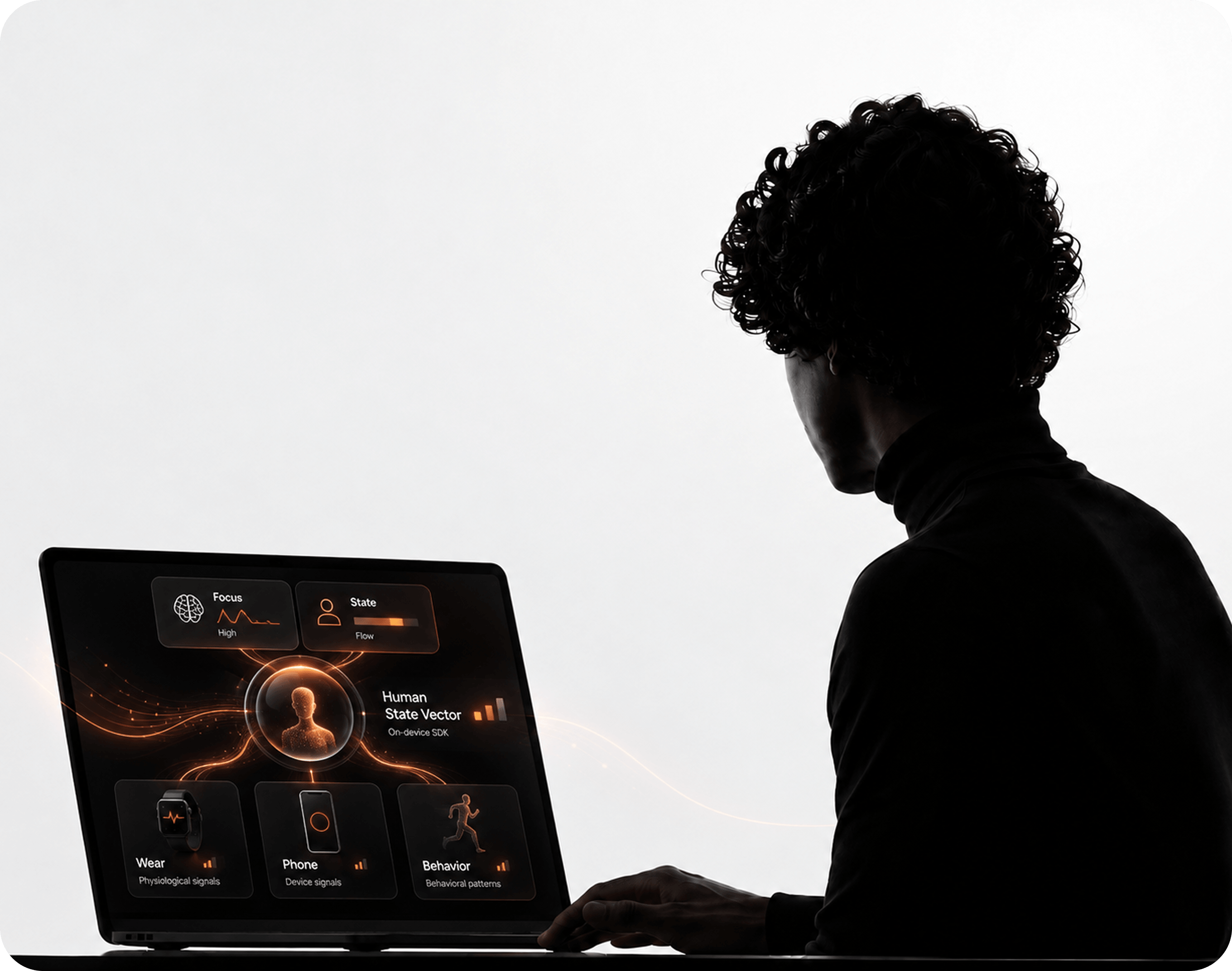
  • Person working at a laptop showing a human-state app

    One SDK, Every Signal Source

    Synheart Core SDK

    A modular, on-device SDK that fuses multimodal signals into the Human State Vector. Modules for Wear, phone, and Behavior, with focus and state inference on top

    Open Source
  • Person working on a laptop on a soft pink sofa

    The Console For What You Build

    Synheart Platform

    The developer portal for API keys, routing, logs, and data export. Where teams manage everything they build on HSI.

    Live
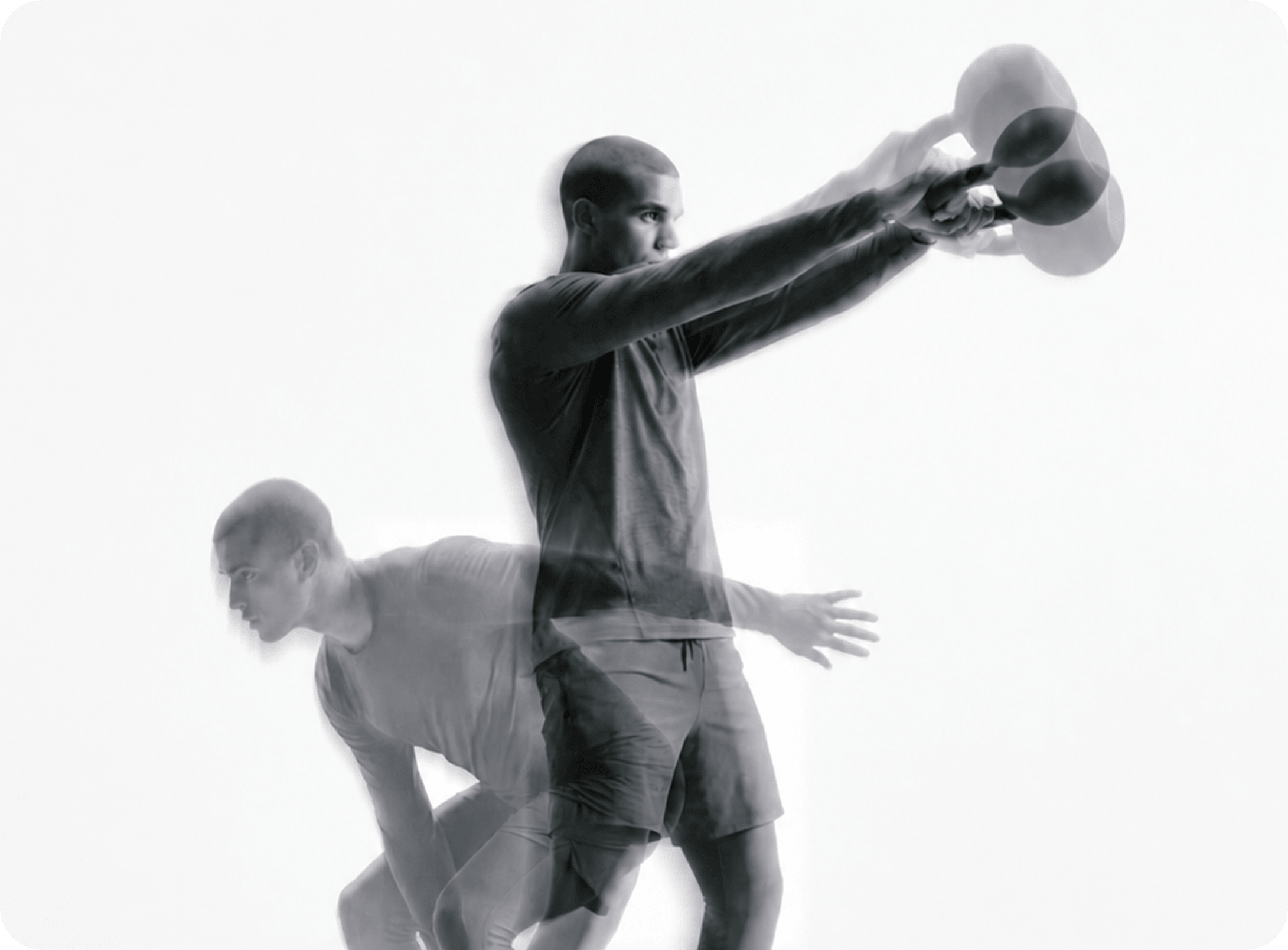
  • Two athletes in motion, one swinging a kettlebell

    On-Device State Inference, Research-Grade.

    Synheart Emotion

    A lightweight, uncertainty-aware research model that infers probabilistic human state from physiological signals such as HR, HRV, and motion. Built for ethical, defensible, on-device research.

    Research

SEE IT IN ACTION

One stack, from signal to app.

Watch a raw signal become human state, and see how the apps put it to work.

TOOLING

Everything around the code.

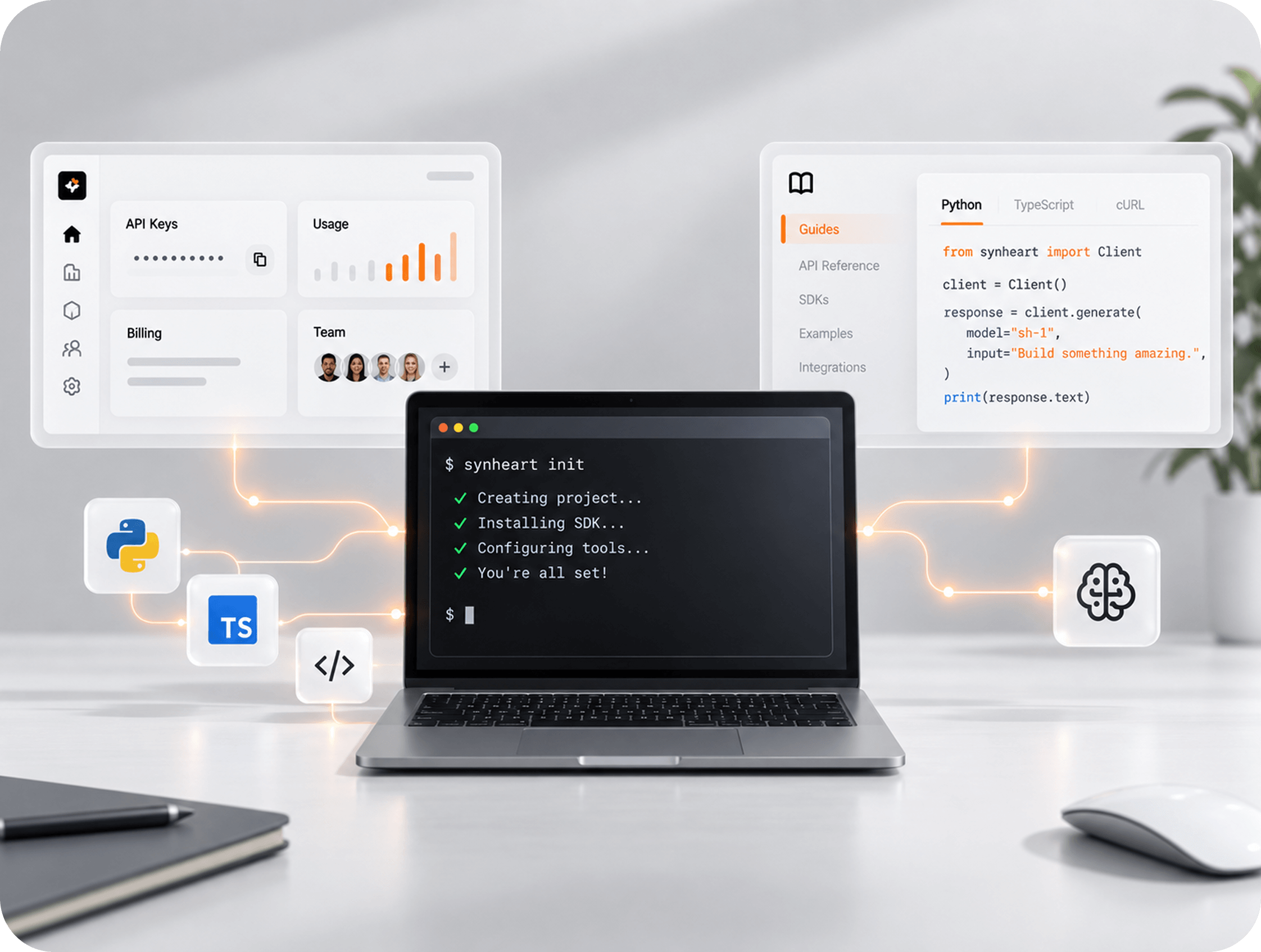
  1. CLI

    Everything starts from the terminal: mock signal streams before you have hardware, local consent and ingest endpoints for offline testing, deterministic SDK artifact installs and mcp serve, which exposes CLI verbs as MCP tools for AI coding agents.

  2. Platform

    The console for what you build: API keys, usage, billing, and team access in one place. Governs access and delivery never runs your inference.

  3. Docs

    Guides, references, and integration walkthroughs for every SDK at docs.synheart.ai.

Laptop with a terminal, surrounded by code and dashboard panels

FROM ZERO TO FIRST OUTPUT

Most teams read their first output in under an hour.

Woman walking past a chair, in motion blur
  1. Start in the terminal

    Install the CLI and generate a mock signal stream. See what Synheart actually returns before writing a line of app code — no hardware, no account required.

  2. Install Core SDK

    Add the package for your platform and point it at a signal source. Wear, Behavior, or the CLI’s mock stream all work.

  3. Read HSI

    Subscribe to the state stream and read structured values — focus, stress, recovery, each with a confidence value attached.

BUILDERS PROGRAM

Building something on human state?

The Builders Program is for teams shipping on Synheart’s infrastructure early direct access to the team, early SDK builds, and input on the roadmap.

Apply to the Builders Program

FAQ

Frequently Asked Questions

Pick a signal source and start reading state.

Free for on-device use. No account required to start.